 MacPip
Use case
Turn a screen recording into a vertical video
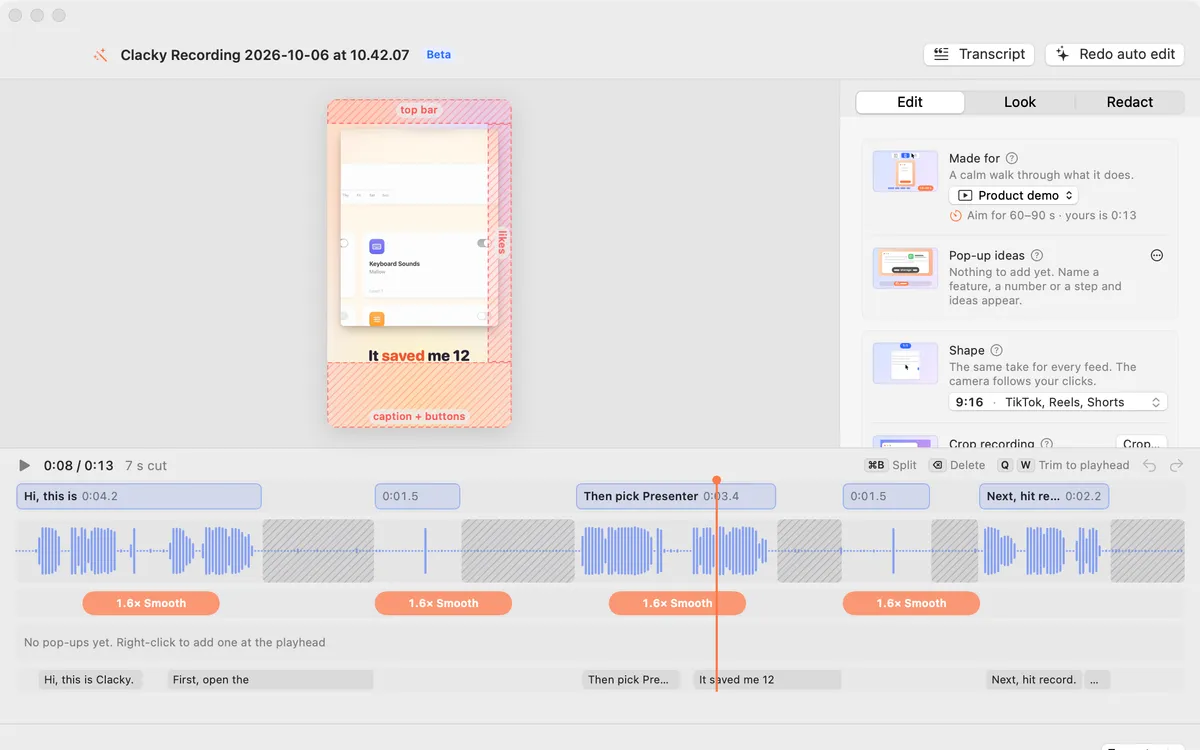
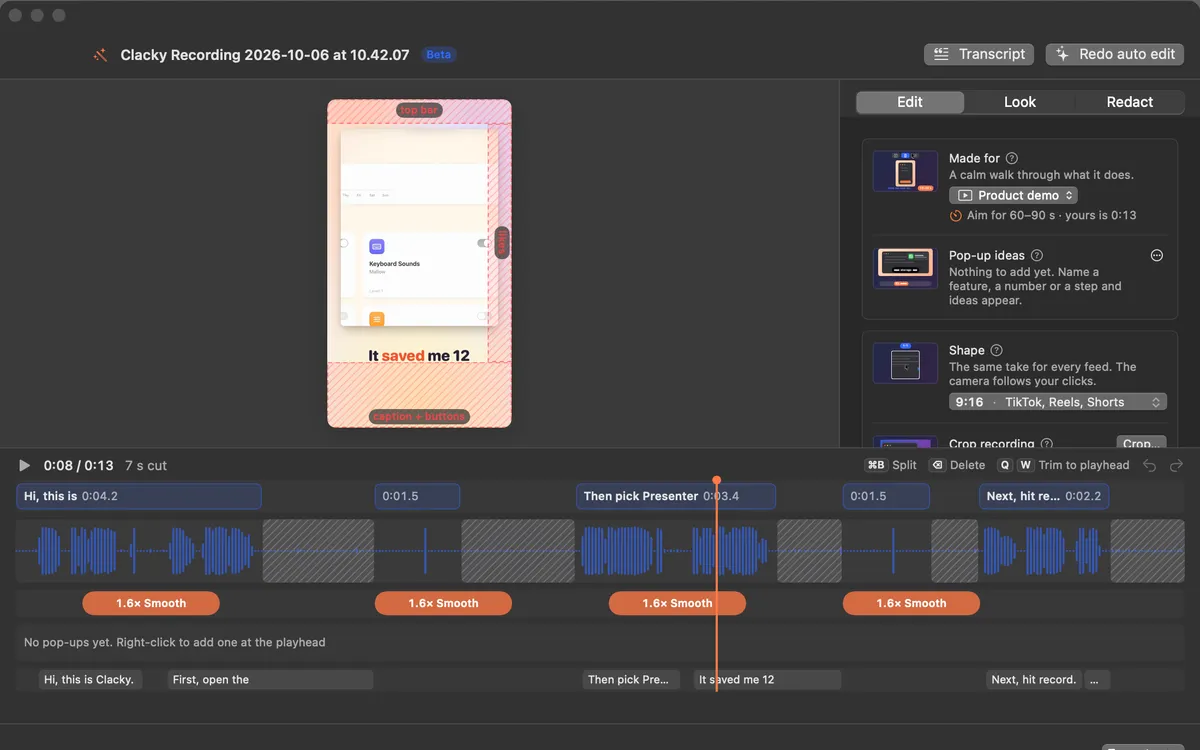
Screens are wide, Shorts and Reels are tall. Clacky turns a recording into a tall 9:16 video with the camera following your pointer and clicks, so the action stays in frame.
Two ways
- Make a Clip: one click in the recording preview makes a 1080 × 1920 clip for TikTok, Reels and Shorts, and copies a caption.
- Studio: pick 9:16, 4:5 (for the Instagram and Threads feed), 16:9 or 1:1. Safe zones show where each app’s buttons will sit.
Then export
Export presets for TikTok, Reels and Shorts set the size; pick a file size and Studio makes it fit. Captions can go on top, written on your Mac.
Questions
Do I need to re-record in portrait?
No. Record as usual; Studio follows your pointer inside the tall frame.
Can I post it from Clacky?
Clacky makes the file; you post it yourself. Share… opens your Mac’s own share sheet.
Facts checked on 22 October 2026.
Related
- 9:16, 4:5, 16:9 and 1:1Tall 9:16 for Shorts, Reels and TikTok with the camera following your pointer, 4:5 for the Instagram and Threads feed, wide for X and YouTube, square too. Safe zones show where the app buttons go.
- Make a ClipOne click makes a 1080 × 1920 clip for TikTok, Reels and Shorts, the camera following your clicks, and copies a caption.
- Export presetsPick where it’s going: TikTok, Reels, Shorts, X, LinkedIn, YouTube or a GIF. Pick a file size and Studio makes it fit.
- Auto captions on MacAdd word-by-word captions to screen recordings on your Mac. Written on your Mac, nothing uploaded. Seven looks, five fonts, optional .srt file.
- StudioStudio records your Mac screen with clicks heard and ripples seen, edits by transcript, adds captions on your Mac, and polishes screenshots.
Make something on your Mac today.
Every feature. $4.99 once.