 MacPip
Place
My Kit: everything in Clacky, one switch each
My Kit is the first place in Clacky. It shows your whole Clacky at a glance as eight tiles, each with one switch, so you can turn anything on or off without digging through settings.
Press ⌘1 to come back to it from anywhere in the Clacky window. The search at the top finds any setting by name, or asks Boop.
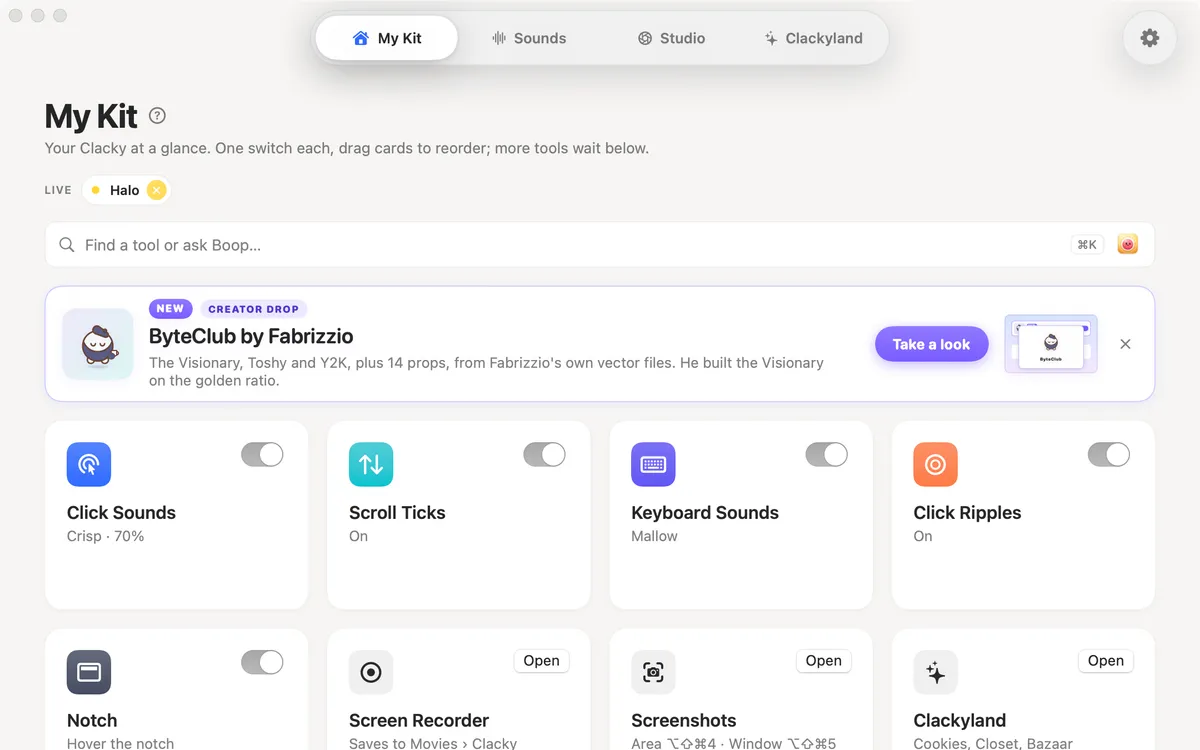
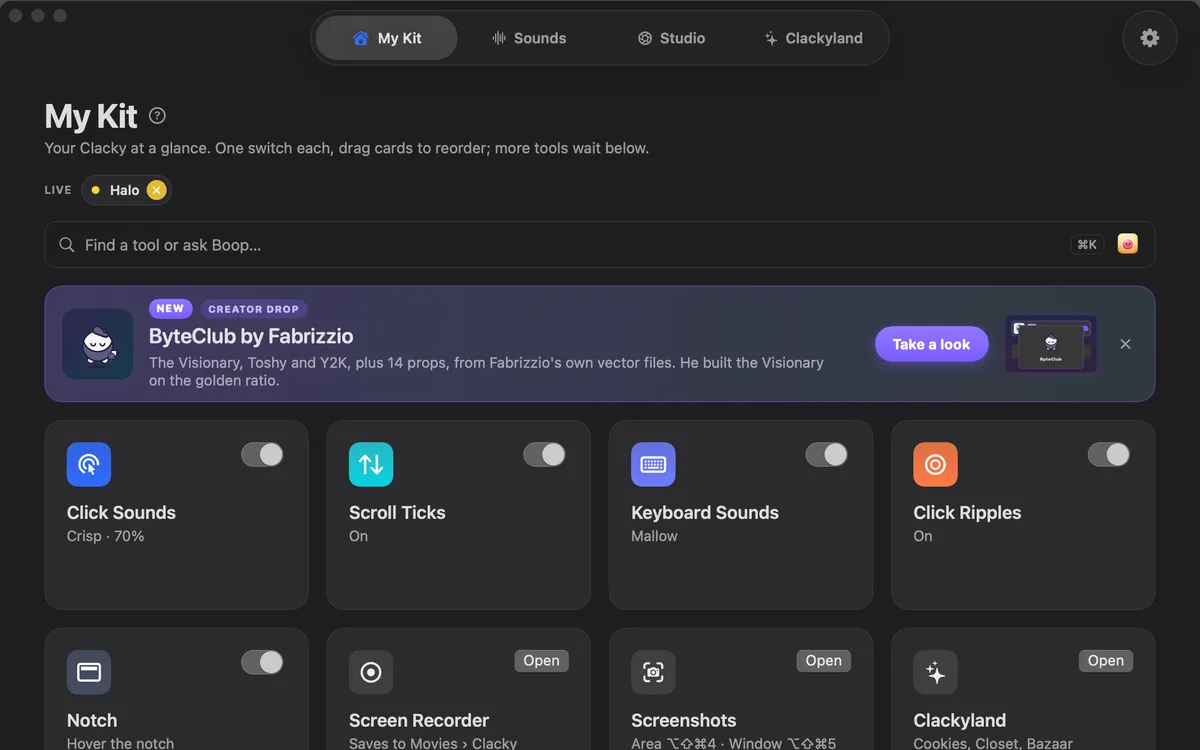
The eight tiles
Each tile is one switch:
- Click Sounds: a satisfying sound for every press and release of your mouse or trackpad.
- Scroll Ticks: a soft tick for every notch of the scroll wheel.
- Keyboard Sounds: a sound for every key you press. Clacky never records, stores or sends which keys you type.
- Click Ripples: a ring under the pointer on every click, visible in recordings.
- Notch: Clacky’s own notch, with your Blip beside it, and a drawn one on screens without a notch.
- Screen Recorder: records your screen with your clicks in the video, saved to Movies › Clacky.
- Screenshots: an area (⌥⇧⌘4) or a window (⌥⇧⌘5), ready to mark up.
- Clackyland: your harbour town, with cookies, the Closet and the Bazaar.
Made to stay out of your way
Want more control? Sounds, Studio and Clackyland each have their own place in the Clacky window, one click away (⌘2, ⌘3 and ⌘4). Cards come in clean Mac looks by default, or colourful game cards with your Blip if you like.
Private things stay on your Mac. Recordings and screenshots are saved on your Mac, and keyboard sounds respect Secure Input, so password fields stay quiet.
Questions
Do I have to use every tool?
No. Every tile has its own switch. Turn off what you don’t want, and it does nothing.
Where are the settings?
Behind the gear at the top of the Clacky window. Sounds, Studio and Clackyland also have their own places, one click away.
Which macOS does it need?
Clacky runs on macOS 13 or later. The screen recorder needs macOS 15 and the screenshot studio macOS 14.
Related
- Your kitEight tiles on one home, one switch each: Click Sounds, Scroll Ticks, Keyboard Sounds, Click Ripples, Notch, Screen Recorder, Screenshots and Clackyland.
- NotchClacky’s own notch, with your Blip beside it. Rest on it to see which sound is playing; while you record, Pause and Stop sit there. A drawn notch on screens without one, left out of recordings unless you want it in.
- Click SoundsA satisfying click for every press and release of your mouse or trackpad: 37 sounds in 8 families, from Arena to Spooky.
- Screen RecorderRecord the full screen, one window or an area, with your clicks heard and their ripples seen. Saved to Movies › Clacky.
- Sounds37 click sounds in 8 families, keyboard sounds, 8 scroll styles and a ripple on every click. Clacky’s Sounds place, explained.
- StudioStudio records your Mac screen with clicks heard and ripples seen, edits by transcript, adds captions on your Mac, and polishes screenshots.
Make something on your Mac today.
Every feature. $4.99 once.